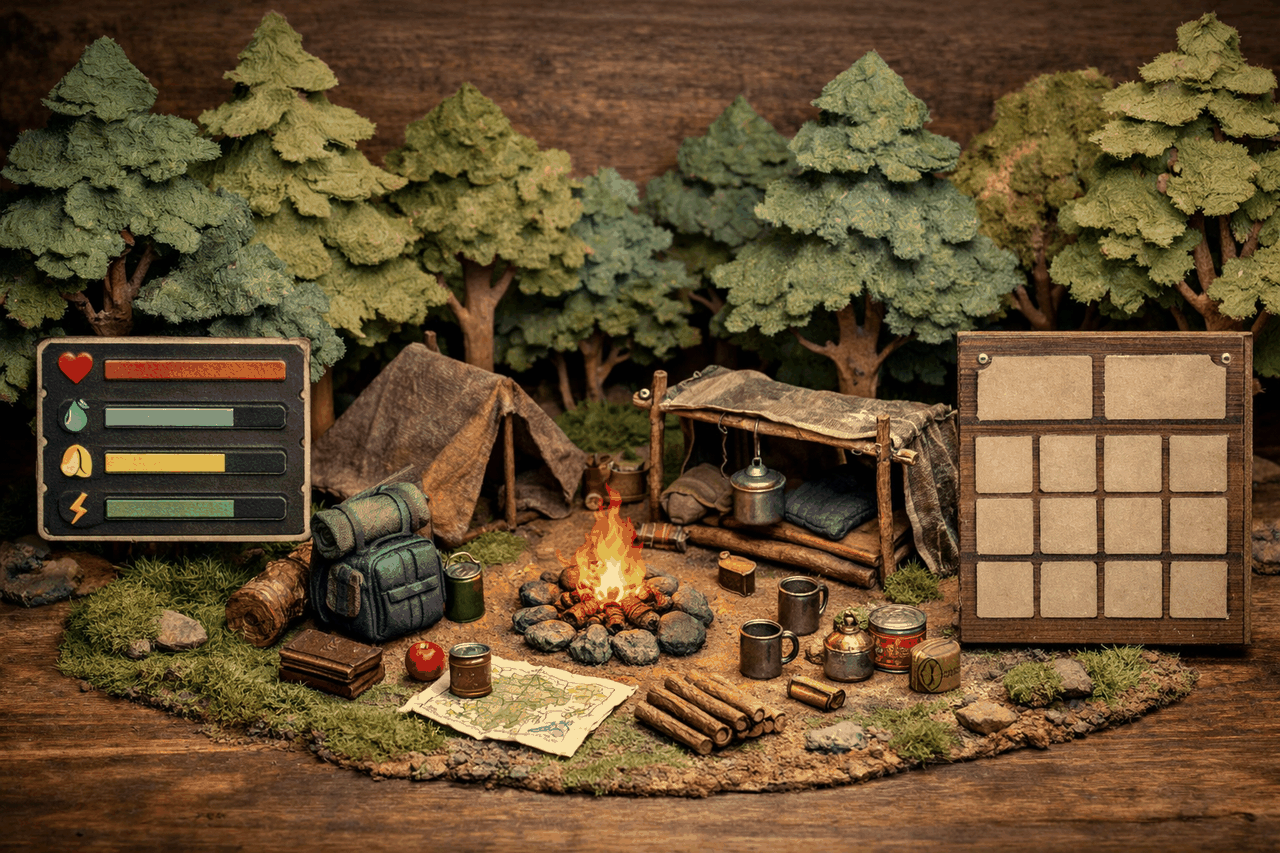
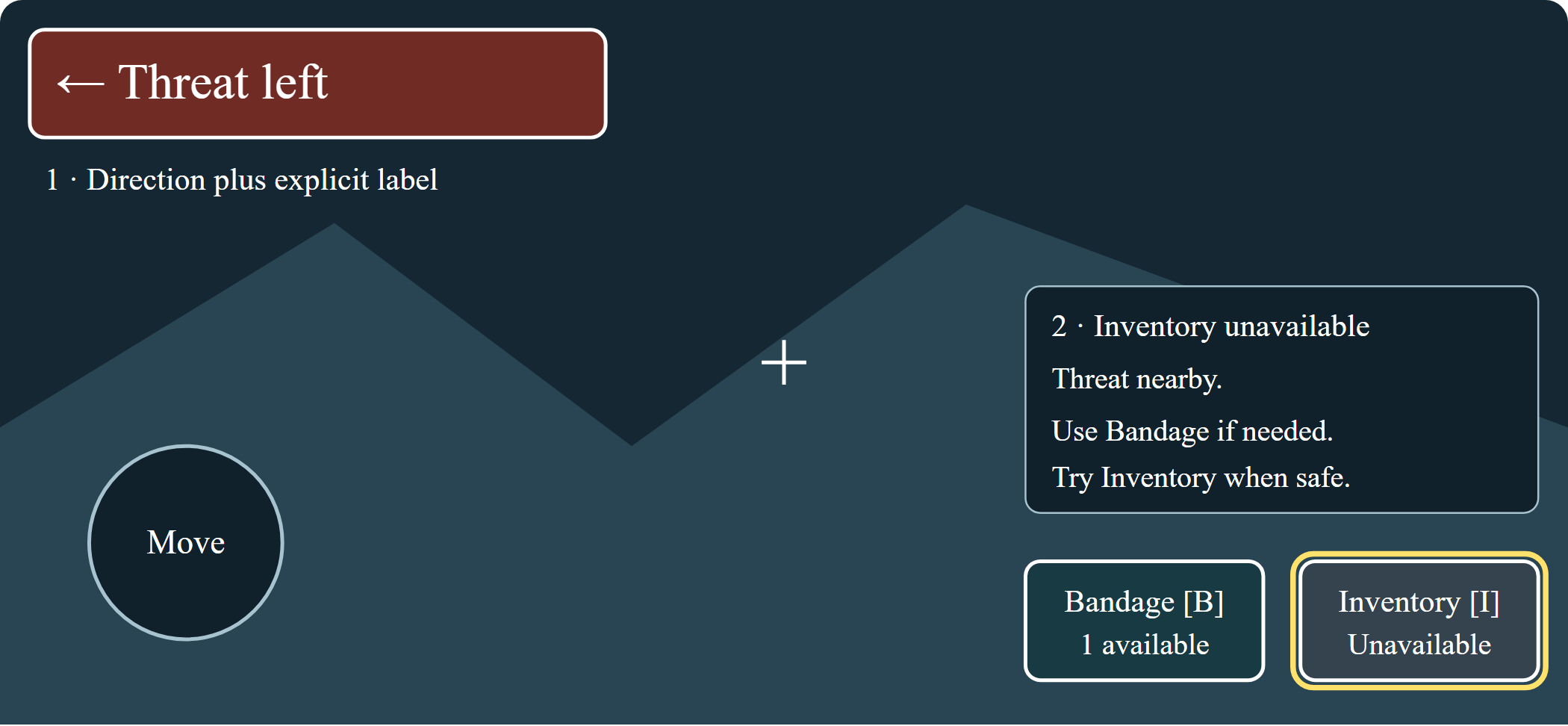
A mobile survival game HUD should make an immediate threat understandable while keeping useful gear within reach. In this original Shelter Run example, a nearby threat raises a left-pointing arrow and the label “Threat left.” A separate bandage action stays available. Full inventory access depends on the current state, with an explanation whenever a request is blocked.
Give the threat and the gear separate space
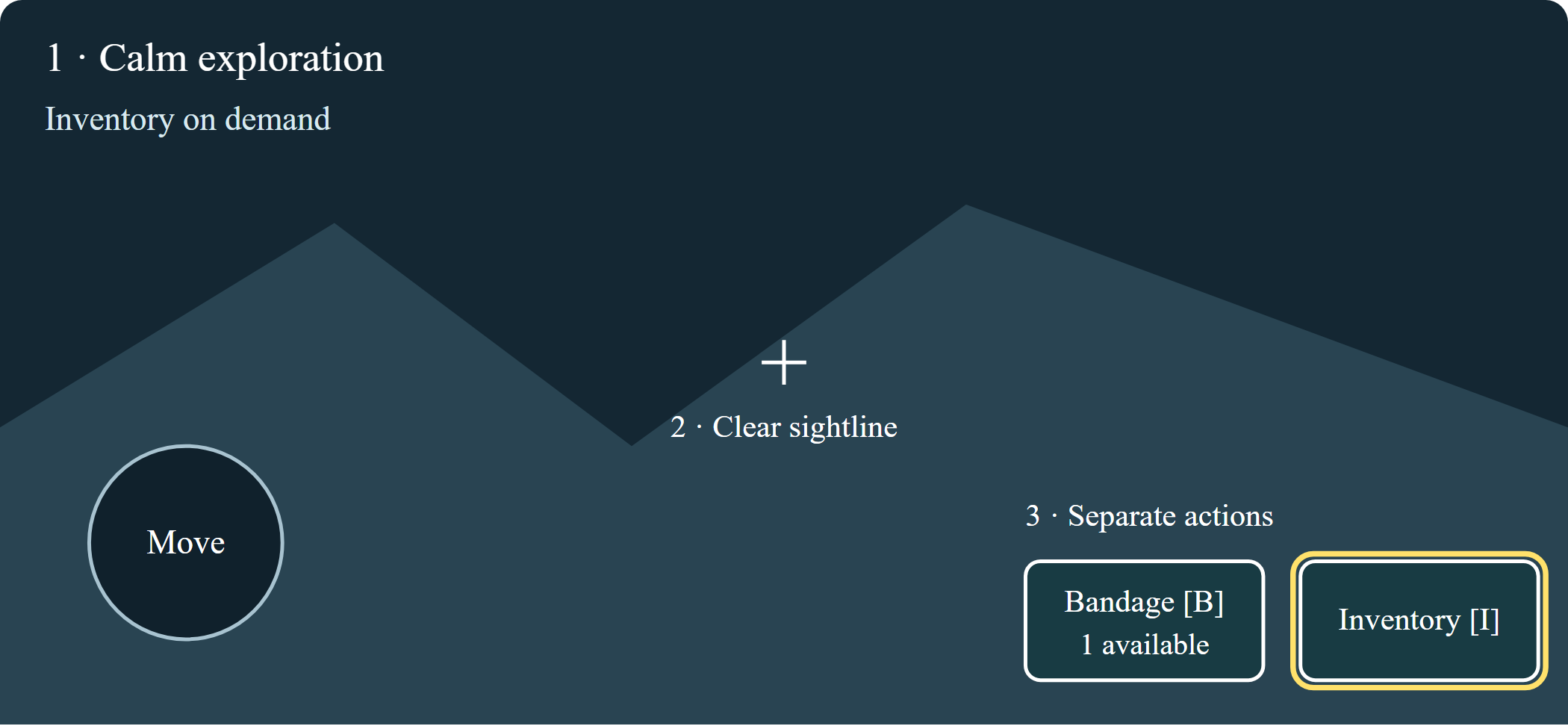
Start with a mobile landscape viewport of 844 × 390 CSS pixels. Reserve the lower left for movement and keep the center sightline clear. Place two independent, labeled action areas at the lower right: Bandage and Inventory. Here, each measures 128 × 64 CSS pixels, separated by 20 pixels. These dimensions are a starting layout to check on devices, not proof of comfortable thumb reach.
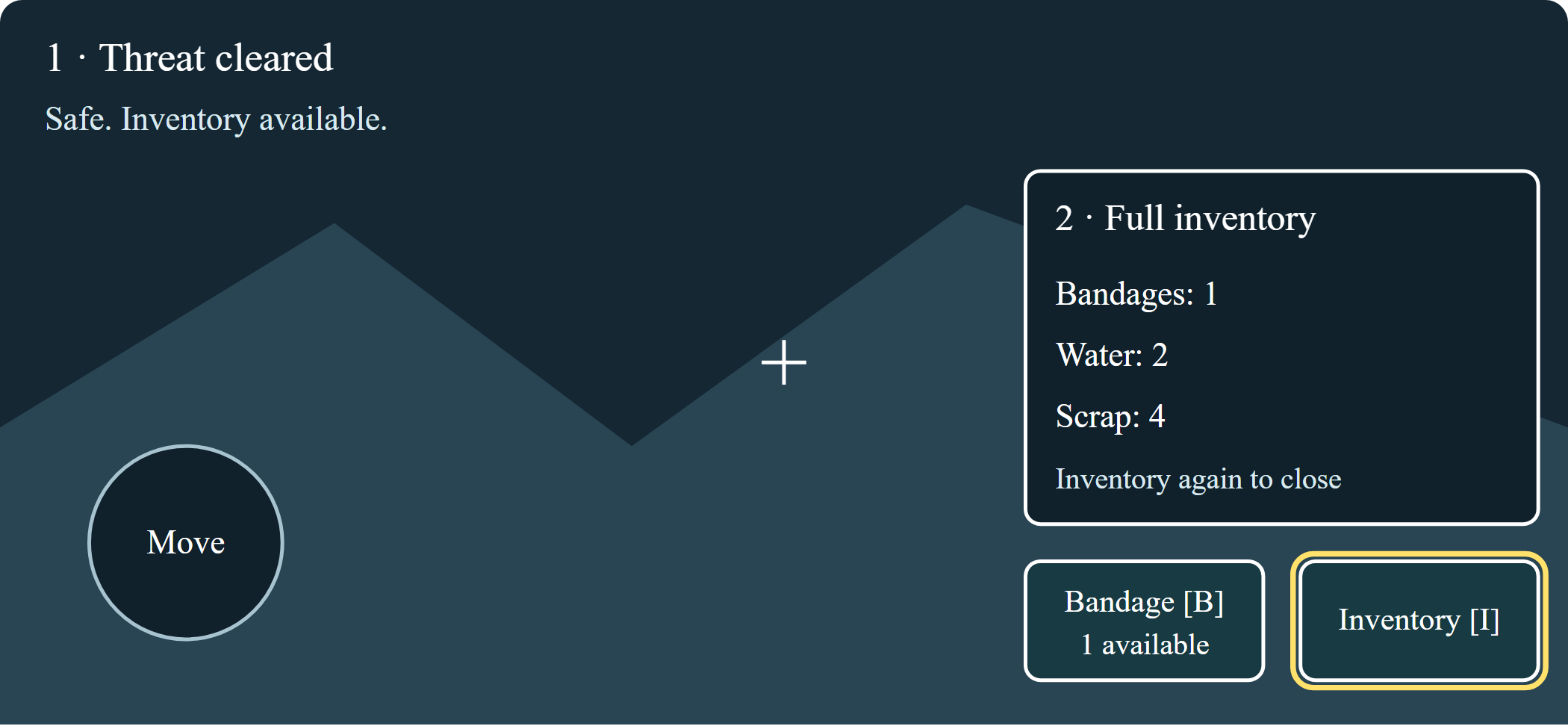
The three annotated variants below show the same layout. Keyboard hints and the yellow focus outline illustrate the fallback for an attached keyboard. Touch users still have labeled controls.
Make availability predictable
This fixture restricts the full panel during a nearby threat to preserve the world view and reduce browsing demands. Bandage remains a direct action. If a threat begins with the panel open, close it and explain the change. Keep keyboard focus on Inventory so the next input has a predictable destination.
| State | Full inventory request | Quick bandage | Feedback |
|---|---|---|---|
| Calm exploration | Open the full panel. Repeat to close. | Use one if available. | Show item counts and labeled actions. |
| Nearby threat | Keep closed. Explain “Inventory unavailable: threat nearby.” | Use one if available. | Show “← Threat left” and retain the restriction label. |
| Post-threat recovery | Permit opening on a fresh request. | Use one if available. | Remove the urgent alert. Show “Safe. Inventory available.” |
Clearing the threat must not replay a previously blocked request. Recovery restores the choice. Whether inventory pauses gameplay is a separate decision for the game, and its behavior needs to be communicated and tested.
Confirm actions through more than color
For this fixture, a successful quick use consumes exactly one bandage and displays “Bandage used” with the updated count. At zero, display “No bandages available” and consume nothing. Keep these messages beside the action without covering the sightline.
A directional sound can reinforce an off-screen threat when audio fits the game. Pair it with the arrow and explicit label so muted audio or difficulty locating sound does not remove the warning. Color can add urgency, but cannot carry direction alone. This follows Xbox Accessibility Guideline 103.
Show B and I hints when a keyboard is attached, updating them after remapping. Keep focus visible, including on the unavailable Inventory action, and explain a blocked activation without moving focus. Touch, keyboard, and alternate input should invoke the same functions without requiring rapid repeats or sustained holds. These choices apply Guideline 113 on focus and Guideline 107 on input.
Check the rules, then test understanding
Use these deterministic cases to validate the interface rules. The Shelter Run browser fixture checked them using a keyboard and mouse at an 844 × 390 CSS-pixel viewport. The log records the text and inventory outcome after each input.
| Initial condition | Action | Required result |
|---|---|---|
| Calm, panel closed | Request Inventory. | Full panel opens. |
| Threat active, panel closed | Request Inventory. | Panel stays closed. Reason appears. Keyboard focus stays visible on Inventory. |
| Threat active, one bandage | Activate Bandage once. | “Bandage used” appears. Count becomes zero. |
| Threat active after blocked request | Clear threat, then request Inventory. | Alert disappears, availability feedback appears, and the fresh request opens the panel. |
| Threat active, zero bandages | Activate Bandage. | “No bandages available” appears. Count remains zero. |
For a human check, ask someone to explore, identify the direction of a newly introduced threat, and open Inventory during it. Observe whether they understand the unexpected restriction, find Bandage, and recognize restored access afterward. Record misunderstandings and input errors. Desktop clicks cannot establish physical reach on a phone, and no recognition or timing performance is claimed here.
Apply the same HUD priorities throughout the encounter. Show the danger, surface the useful gear and make the return to broader inventory access explicit.